
Do not open this link
It is built to look like a site it is not. Open it only if you are certain.
QR codes · Visiting cards · UPI standees
Scan anything. Create sixteen kinds of code in your own colours, turn them into print-ready cards, and prove each one scans before it reaches the printer. Offline, with no account.
Create
Choose a QR type
No QR types matchTry a different search, like "link" or "Wi-Fi".
Create & style
This is the app's style engine running in your browser. Pick a type, fill it in, dress it up, then press Perform Scan: a real decoder reads the exact pixels, the way the app does before you print.
Scans correctly
A reader decoded this exact rendering and got the value you encoded.
Decoded value
—
Decoded in your browser with jsQR. Nothing was uploaded.
This preview is screen-size and watermarked. The app saves a clean PNG, or a print-ready PDF at exact size.
Color presets
Custom colors Premium — preview only here
Dot style Square, Rounded and Dots are free · the rest are Premium
Eyes (corner squares)
Frame None and Banner are free · the rest are Premium
Error correction
A logo covers modules. Higher correction gives the reader more to recover them with. A text logo is free; dropping in your own photo or brand mark is Premium, in the app.
Scanner
Pick something to point the camera at. The app reads it, works out what it is and gives you the one button you need.
Try Gallery on the phone with any QR image. It's decoded right here in your browser; nothing is uploaded.
SCAN & PAY
Chai Corner
chaicorner@demo
Batch0/10
UPI Pay
chaicorner@demo
Link safety
Before a scanned link opens, QR Craft reads the address for the tricks scams rely on. Paste any link, or pick one of these, and watch it travel the same checks.
It is built to look like a site it is not. Open it only if you are certain.
On your phone, the app also asks Google Web Risk whether the address is a known harmful site. This page can't make that lookup, so a clean-looking address gets the same honest answer the app gives offline: Not checked.
Scan & Pay
Tap an amount on the keypad, or let the payer decide. The code updates as you type, and turns into a counter standee in one step.
name@bank before it builds a codeThis demo uses chaicorner@demo, which is not a real UPI ID. The code is well-formed but cannot complete a payment.
AMOUNT
₹200
Ready to scan
Payee details
Enter a valid UPI ID · Should look like name@bank
SCAN & PAY
Chai Corner
chaicorner@demo
₹200
Any UPI app
Card studio
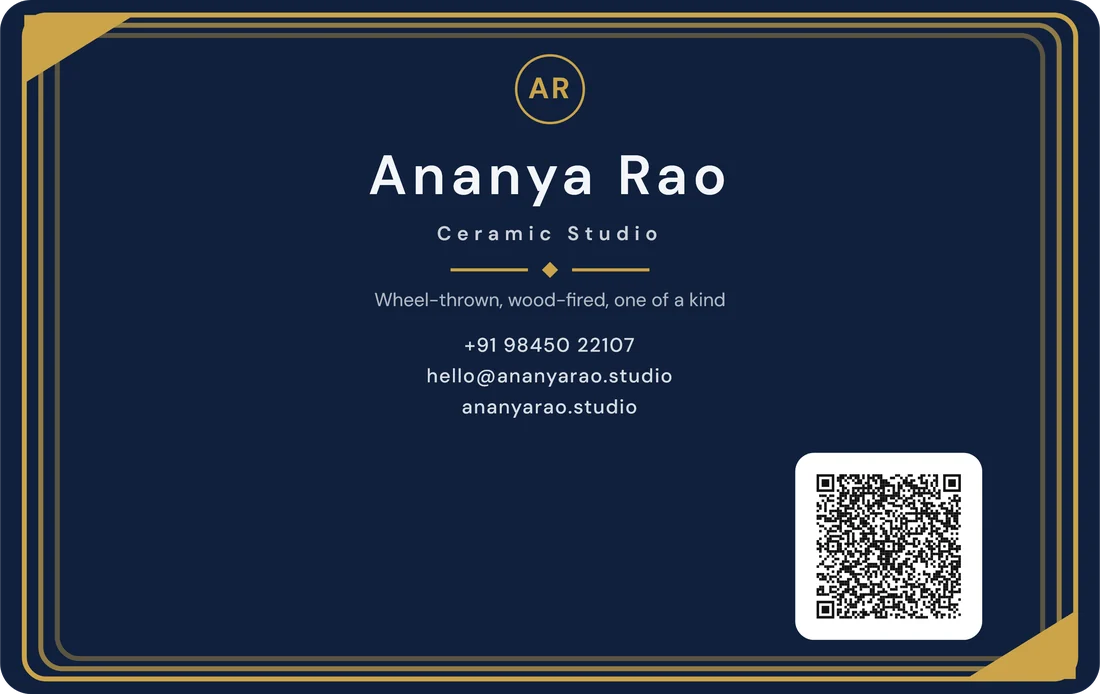
Turn any code into a business card, a visiting card, a gift card, an event invite or a counter standee. Type below, tilt the card, and tap it to see the back.
85.6 × 54 mm · 300 DPI PDF · front & back
Template 7 free designs in every type · Premium ones preview here
History
Everything you scan and create lands on one timeline. Search it, filter it by type, star what matters, and find last month's Wi-Fi password in two taps.
No matchesNothing matched that search. Check the spelling, or try a shorter word.
Ten languages
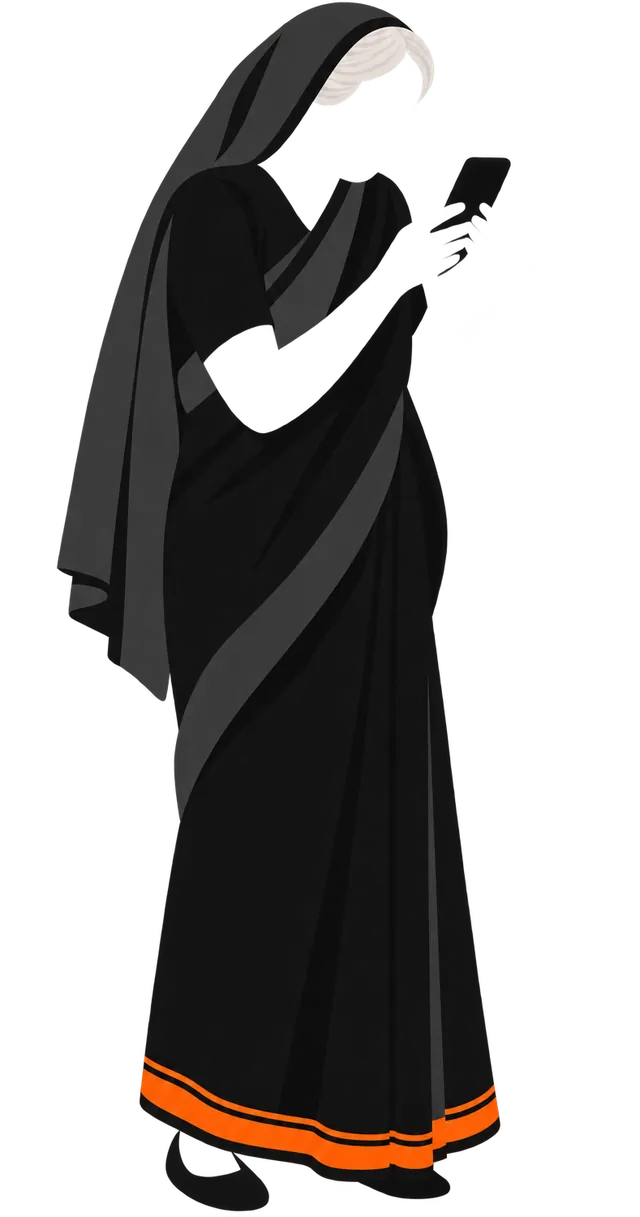
Every screen is translated, not just the menus. Turn the dial: the phone shows the app's own strings, straight from its language packs.
Create
Choose a QR type
Nine stories
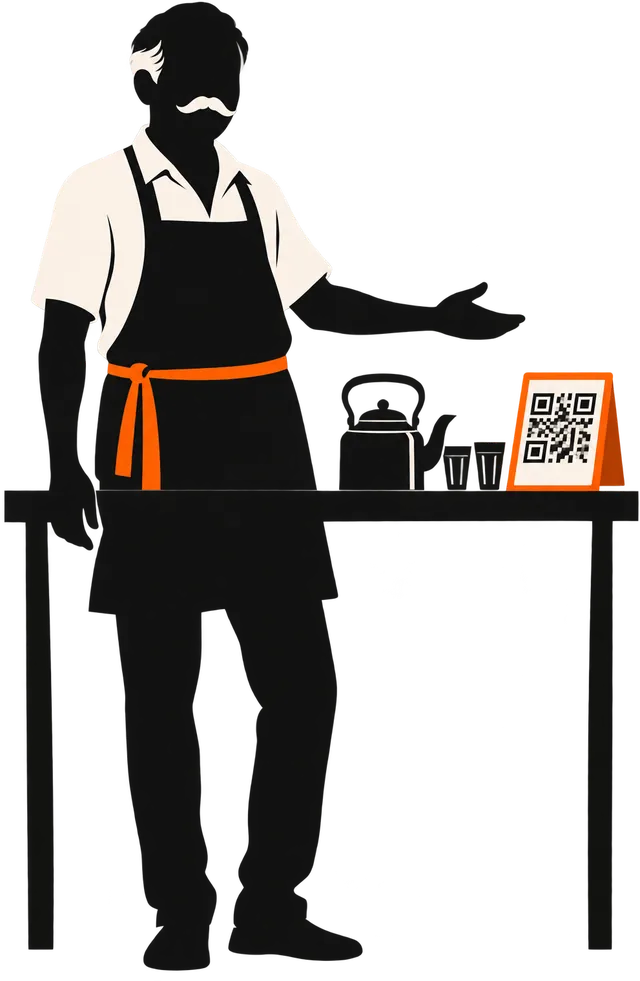 01 / 09 · Scan & Pay
The counter that stopped keeping change.
A UPI standee in two minutes, tested in his own UPI app before it went to print.
01 / 09 · Scan & Pay
The counter that stopped keeping change.
A UPI standee in two minutes, tested in his own UPI app before it went to print.
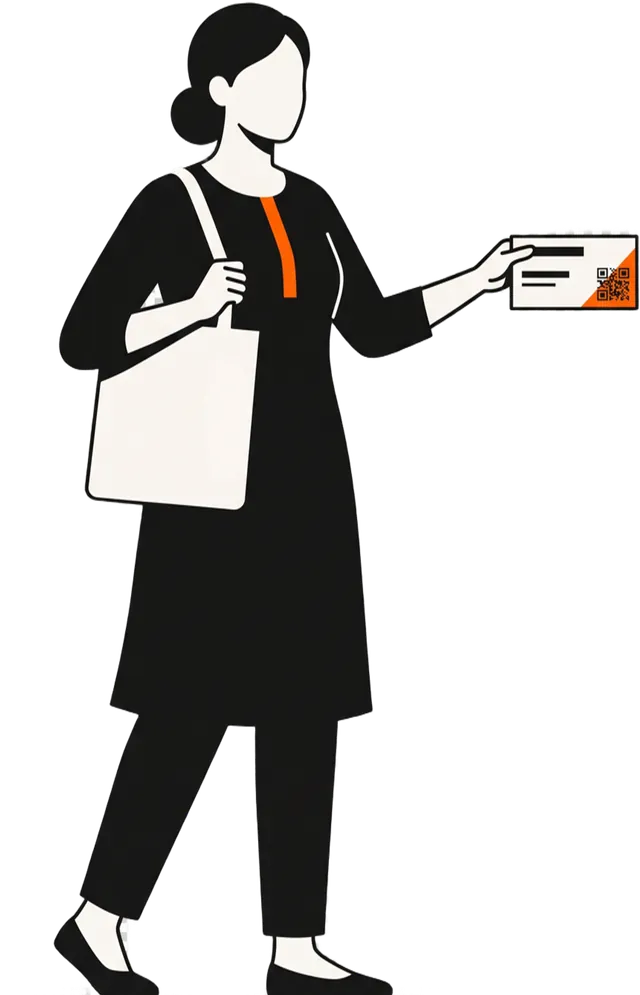 02 / 09 · Visiting cards
No office. Still a card.
A print-ready card with her details and a code that saves them straight to a phone.
02 / 09 · Visiting cards
No office. Still a card.
A print-ready card with her details and a code that saves them straight to a phone.
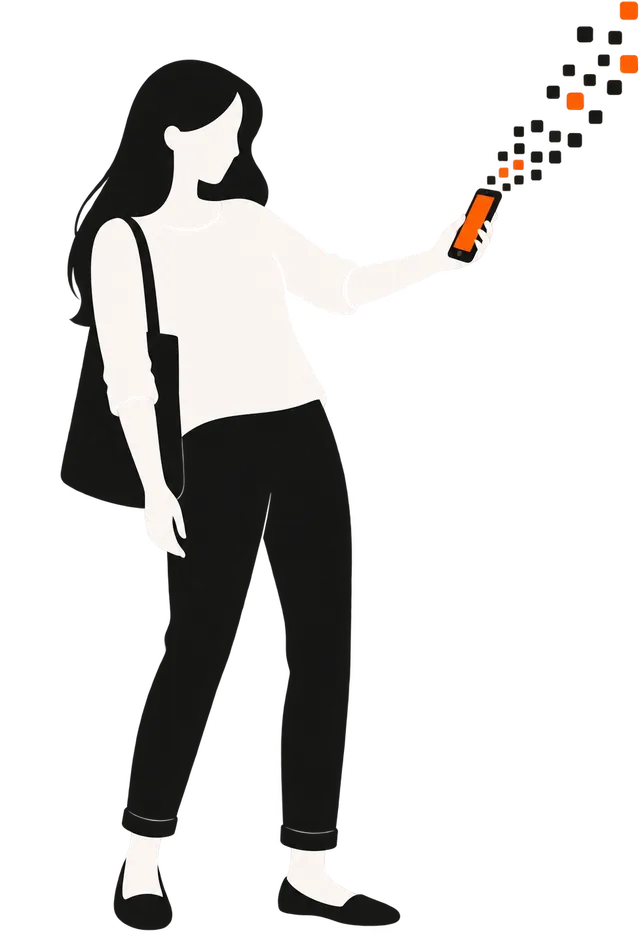 03 / 09 · Link safety
The parcel that was never coming.
The link hid its real address behind an "@". QR Craft said so before it opened.
03 / 09 · Link safety
The parcel that was never coming.
The link hid its real address behind an "@". QR Craft said so before it opened.
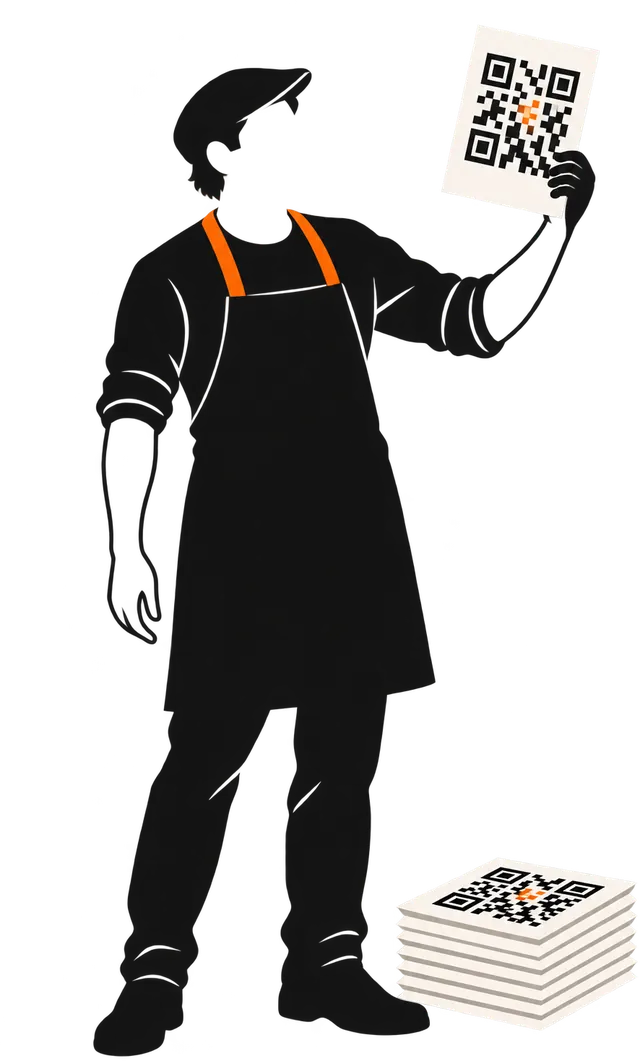 04 / 09 · Scan test
A thousand printed. None scanned.
That was the last time. Now every styled code is decoded before it leaves the phone.
04 / 09 · Scan test
A thousand printed. None scanned.
That was the last time. Now every styled code is decoded before it leaves the phone.
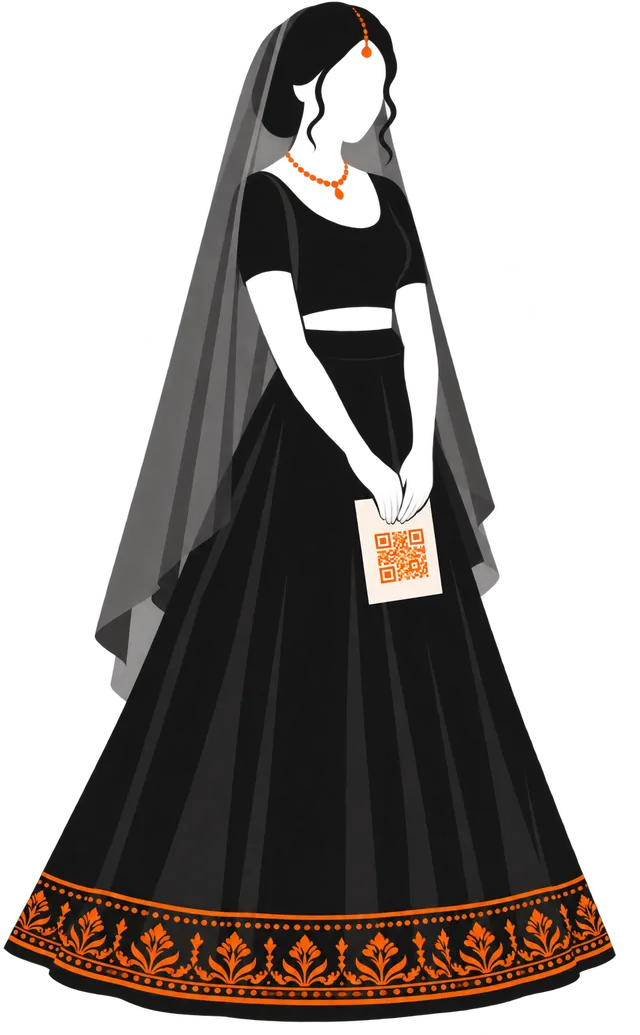 05 / 09 · Event codes
Everyone found it. Nobody had to ask.
Calendar invites, map pins and WhatsApp, on the card itself.
05 / 09 · Event codes
Everyone found it. Nobody had to ask.
Calendar invites, map pins and WhatsApp, on the card itself.
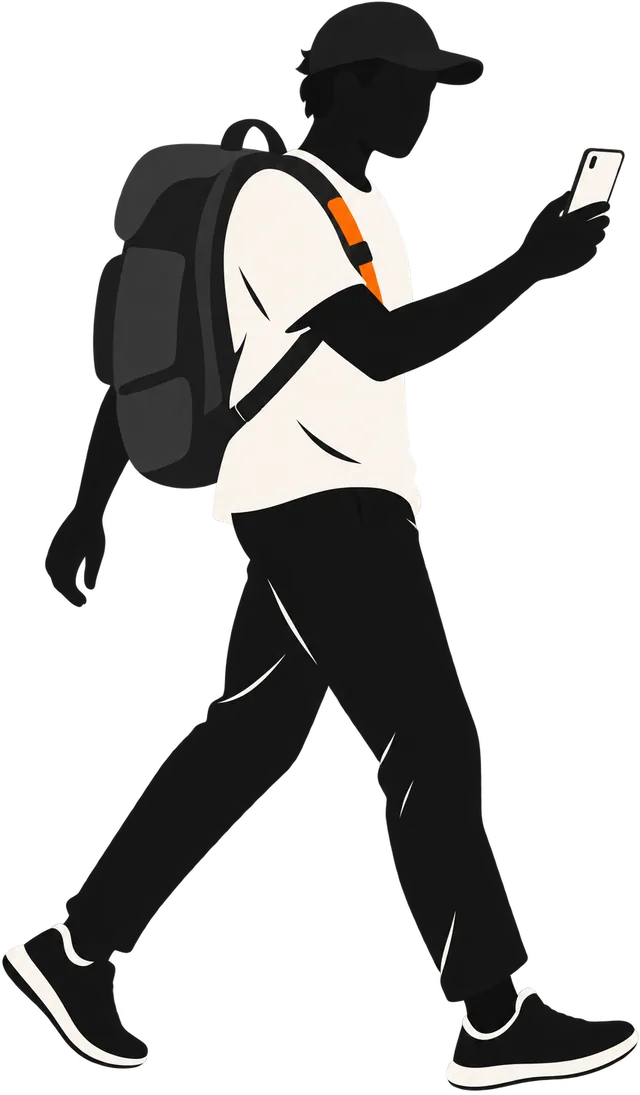 06 / 09 · Offline
No signal. The scanner didn't care.
Scanning, creating and history all work without a connection.
07 / 09 · Ten languages
Her phone finally spoke to her.
Hindi, Arabic, Chinese and seven more, on every screen.
06 / 09 · Offline
No signal. The scanner didn't care.
Scanning, creating and history all work without a connection.
07 / 09 · Ten languages
Her phone finally spoke to her.
Hindi, Arabic, Chinese and seven more, on every screen.
 08 / 09 · Yours only
No name. No email. No account.
Your codes and cards live on your phone, and nowhere else.
08 / 09 · Yours only
No name. No email. No account.
Your codes and cards live on your phone, and nowhere else.
 09 / 09 · Your turn
Point it at this.
The last one is a live code. Scan it with your phone to install.
09 / 09 · Your turn
Point it at this.
The last one is a live code. Scan it with your phone to install.
Privacy
QR Craft has no sign-in and no server of its own. Pick a part of the app to see exactly what leaves your phone, and where it goes.
Leaves your phoneNothing
The camera picture is read on the phone, frame by frame. Nothing is recorded or uploaded, and the codes you scan are saved only to history on this phone.
On Google Play
We test the pixels, not the text
FAQ
Something else? Write to contact@epsilondevelopers.xyz, or read every question.
Yes. Scanning, creating all 16 code types, the colour presets, the history and designing cards are free, with ads. Some extras (most module shapes, custom colours, image logos, saving and sharing) open after one short video. Premium removes the ads and unlocks everything for good.
No. There's no sign-up, no email and no password. Premium is tied to your Google Play account, so it follows you to a new phone; use Restore Purchase on the Premium screen if it doesn't show up.
Scanning, creating, styling, cards and history all work with no connection. The online lookup in link safety needs one, and without it the app tells you the link was Not checked rather than guessing. Ads and purchases need a connection too.
Press Perform Scan on the preview. A reader decodes the exact image you're about to save, then compares the result with what you typed. You get Scans correctly, Reads as something else, or Could not be read with advice on what to change.
Yes. There are 79 designs across business, visiting, gift and event cards and counter standees. Cards export as an image or a print-ready PDF at exact size (85.6 × 54 mm for cards) at 300 DPI, front and back.
No. Codes, cards and history are stored on your phone. Web links you scan are checked with Google Web Risk (you can switch that off in Settings), and the free plan shows ads from Google AdMob. The Privacy Policy lists everything.
Not yet. QR Craft is available for Android on Google Play.
Open the Google Play Store, go to Payments & subscriptions → Subscriptions, and choose QR Craft. Premium stays active until the end of the period you've paid for. Lifetime is a one-time purchase with nothing to cancel.
No questions match. Try the full FAQ, or write to us.
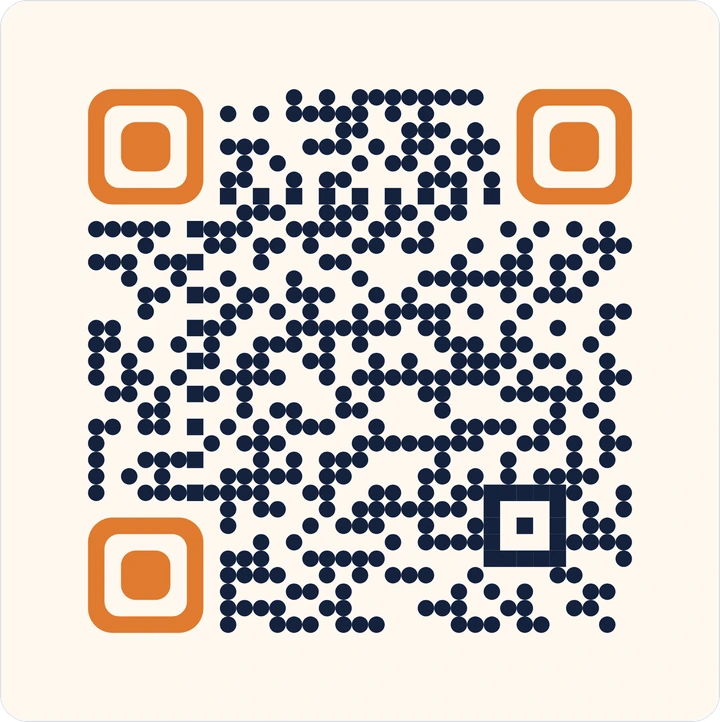
Get QR Craft
That's a live code, made by the app. Scan it to open QR Craft on Google Play, or tap the button. Free on Android, with no account to make.
Get it onGoogle Play